
Losing your driver’s license (DL) to confiscation can be stressful, but the good news is—you can get it back once you’ve settled your traffic violation and met all the Land Transportation Office (LTO) requirements. Claiming your confiscated driver’s license from the LTO is simple once you’ve settled your traffic violation. You just need to pay the fine, prepare the required documents, visit the LTO office where your case was processed, and retrieve your driver’s license.
This guide explains, in simple and practical terms, how to claim your confiscated driver’s license from the LTO, step by step.
Why Your Driver’s License Gets Confiscated
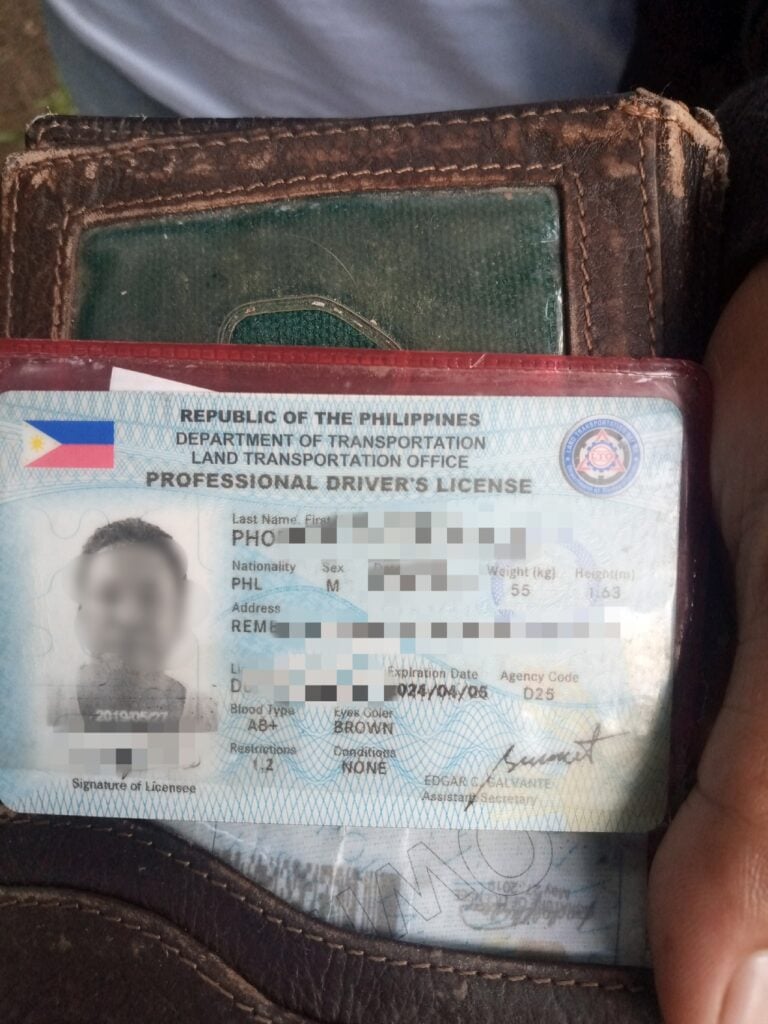
The LTO or other traffic enforcers may confiscate your driver’s license if you commit a traffic violation that requires it under Philippine traffic laws. When this happens, you’ll be given a Temporary Operator’s Permit (TOP) or e-TOP receipt to use while your case is being processed.
Before you can claim your confiscated license, you must settle the violation, pay any fines or penalties, and complete additional requirements (if any).
Requirements for Reclaiming Your Confiscated License
To retrieve your DL from confiscation, you might need to prepare the following:
General Requirements
- Pink copy of Temporary Operator’s Permit (TOP) or e-TOP receipt
- Impounding Receipt, if your vehicle was also impounded
- Affidavit of Loss, if the TOP or e-TOP is missing
Additional Requirements
If contested cases:
- Copy of Certificate of Registration (CR) and Official Receipt (OR) of the vehicle
- Copy of Driver’s License (for license-related violations)
- Copy of Franchise documents (for public utility vehicles)
- Smoke Emission Test Result or Motor Vehicle Inspection Report (if applicable)
- Notarized Affidavit of Protest or Contest, if filing an appeal
If sending an authorized representative:
- Provide an Authorization Letter or Special Power of Attorney (SPA), and
- A photocopy of the driver’s government-issued ID.
Tip: If you lost your TOP or e-TOP, you can submit an Affidavit of Loss instead.
Steps to Claim Your Confiscated Driver’s License
Once you have your requirements, you can:
Step 1. Pay the Fine
- Go to the LTO office, MMDA, or Local Government Unit (LGU) office where the violation was issued.
- Settle your fine according to the resolution or notice you received.
- Get your Official Receipt (OR) as proof of payment. You’ll need this to claim your license.
Step 2. Go to the Designated LTO Office
- Visit the specific LTO office indicated in your apprehension or resolution.
- This could be the district office, regional office, or another branch that handles license redemption.
Step 3. Submit Your Documents
- Present all your requirements to the LTO officer or releasing clerk.
- The documents will be reviewed and checked for completeness.
- If everything is in order, your license will be processed for release.
Step 4. Claim Your License
- Once approved, you’ll be asked to sign the log sheet to confirm receipt.
- The LTO will then return your confiscated driver’s license.
Can You Get Your License Back Right After Paying the Fine?
Yes, you can get your license back immediately after paying the fine, if there are no accessory penalties or suspensions indicated in your resolution.
Here’s how it works:
- Immediate release: If no suspension or extra penalties are stated, your license can be released after payment.
- With accessory penalty: If the decision requires you to attend a seminar or take an exam, you must complete it first.
- With suspension: If a suspension is imposed, you must serve the full suspension period before claiming your license.
Where to Reclaim and Who May Do So
The following individuals can process the claim:
- The apprehended driver, vehicle owner, operator, or conductor.
- An authorized representative, if the driver cannot personally appear
Processing Time and Fees
Under the Ease of Doing Business and Efficient Government Service Delivery Act (R.A. 11032):
- Simple cases: Within 3 days
- Complex cases: Within 7 days
- Highly technical cases: Within 20 days
Processing starts once all requirements are submitted.
For more detailed steps on how to settle apprehensions with the LTO, refer to this guide on How to Settle Apprehension Cases in LTO.