Can I Re-register a Vehicle Used in Illegal Activities?

If your vehicle has ever been involved in a crime, then the answer is no — you cannot re-register a vehicle used in illegal activities under your name unless a court allows it after proper legal proceedings. However, there are special cases where the government may re-register the vehicle after forfeiture or disposal, especially if ownership is transferred legally through a court order.

This article explains how the Land Transportation Office (LTO) handles vehicles used in crimes, what happens to confiscated units, and how owners can reclaim them after a case is dismissed.

Can You Re-register a Vehicle Used in a Crime?
re-register-vehicles-used-in-commission-of-crime
Photo credit: Abante

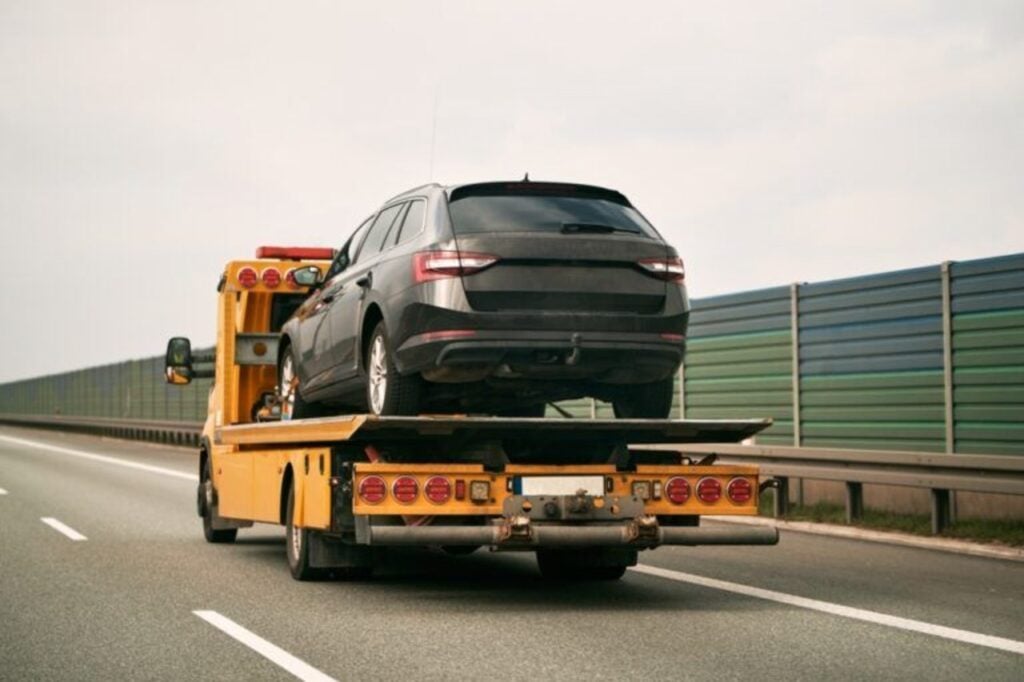
If a vehicle is used in the commission of a crime, it becomes part of the evidence and is subject to impoundment and possible forfeiture. The LTO will not allow its registration or renewal until all legal issues are settled.

For the Original Owner:

  • The vehicle’s registration may be suspended depending on the offense.
  • It cannot be re-registered while it is considered evidence in an ongoing case.
  • If it has been confiscated and later returned, it must pass an LTO inspection before being allowed on the road again.
  • The LTO will only allow registration once the court has cleared the vehicle and confirmed it is no longer part of a criminal case.

For a New Owner:

  • A vehicle that was used in illegal activities cannot be transferred or re-registered under a new name if the previous owner was convicted in connection with the crime.
  • Always check the vehicle’s legal status before buying it to avoid unknowingly purchasing a vehicle linked to criminal activity.
  • Buying such a vehicle without due diligence may make you legally liable or prevent registration altogether.

What the Law Says

According to Rule 126 and Rule 127 of the Revised Rules of Criminal Procedure, any vehicle seized as evidence remains under government custody until the case is resolved. If the case is dismissed and the court finds no reason for forfeiture, the vehicle may be returned to its lawful owner.

Under Republic Act No. 11235 (Motorcycle Crime Prevention Act):

  • Motorcycles used in crimes are impounded by the PNP and kept in a secure impounding center until the case ends.
  • Once the court finds the defendant not guilty or the motorcycle belongs to an innocent third party, it can be released.
  • Otherwise, it will be forfeited in favor of the government and can only be registered again under a government entity or through a legal sale following a court order.

If the vehicle was used in serious offenses (like those resulting in injury or death), the penalties under the Revised Penal Code can range from reclusion temporal (12 to 20 years imprisonment) to reclusion perpetua (life imprisonment), and the vehicle will be forfeited permanently.

When Can it Be Re-Registered?

The LTO may accept registration of confiscated vehicles used in the commission of a crime only if:

  • A court decision authorizes it.
  • The government agency in charge of the vehicle (e.g., PNP, DENR, NBI) submits all required documents.

Once forfeited:

  • The vehicle can be registered under the government’s name.
  • Later, it may be sold legally to a private buyer, who must comply with all LTO and court requirements before re-registration.

Note: For vehicles allegedly used in the commission of a crime where the case dismissal is not final or an appeal is still pending, the court may refuse to release the vehicle back to the original owner until proceedings are fully concluded.

Simply put, a vehicle used in illegal activities cannot be freely re-registered by its owner or a new buyer until cleared or forfeited through lawful court processes. That said, if you are looking to buy a secondhand motor vehicle, it’s best to always deal with clean, legally registered vehicles to avoid serious legal trouble.
How Can I Verify a Repossessed Vehicle Before Buying? 

Buying a repossessed vehicle can be a great way to own a car at a lower price — but it also comes with extra steps and responsibilities. Before making any payment or signing documents, it’s important to verify that the car you’re buying is legitimate, in good condition, and free from legal or financial issues. Verifying a repossessed vehicle ensures that the vehicle is not stolen, tampered with, or tied to any unsettled loans or legal issues.  

Here’s a complete, easy-to-follow guide to help you verify a repossessed vehicle before buying it in the Philippines.

How Can I Verify a Repossessed Vehicle Before Buying

Verifying a Repossessed Vehicle

verify-repossessed-vehicle-before-buying
Photo credit: Simmrin Law Group

Verifying a repossessed vehicle refers to the process of checking a car’s authenticity, legality, and overall condition before buying it. It is a necessary part of buying a secondhand vehicle as it protects buyers from scams, hidden defects, and future ownership problems, especially when purchasing from banks or online marketplaces.

Benefits

Some of the best reasons why you should verify a repossessed vehicle before buying:

  • To ensure legal ownership: Confirms the car is not stolen or involved in any criminal activity.
  • To avoid unpaid debts or liens: Make sure there are no remaining financial obligations tied to the vehicle.
  • To confirm document authenticity: Prevents buying a car with fake or tampered registration papers.
  • To check the vehicle’s true condition: Helps identify hidden mechanical issues or accident damage.
  • To protect yourself from scams: Ensures you’re dealing with legitimate sellers or accredited institutions.
  • To know if the price is fair: Verifying lets you compare its actual market value with the asking price.
  • To make an informed purchase: Gives you confidence that your investment is safe, legal, and worth it.

How to Verify Repossessed Vehicles

To verify a repossessed vehicle before buying, here’s what you need to do:

Step 1: Check the Vehicle’s Legal and Registration Records

Before anything else, confirm that the vehicle is legally clear. Use the resources of the Land Transportation Office (LTO) and the Philippine National Police – Highway Patrol Group (PNP-HPG) to check the following:

  • Registration status: Make sure the vehicle is properly registered under the seller’s name or the bank’s name if it’s repossessed.
  • Engine and chassis numbers: The numbers on the car must match those in the official LTO registration documents.
  • Outstanding violations or cases: Ask the LTO or PNP-HPG if the vehicle has been reported stolen, used in crimes, or has pending legal issues.
  • Liens or unpaid loans: Obtain a vehicle history report or ask the selling bank to confirm that all debts tied to the car have been cleared.

Expert tip: Repossessed cars from trusted banks or verified marketplaces are usually debt-free, since the bank already settled any previous owner’s unpaid loan.

Step 2: Review All Paperwork Thoroughly

Go through every document before committing to a purchase. Look out for:

  • Original Certificate of Registration (CR) and Official Receipt (OR): These confirm that the vehicle is legitimate and registered.
  • Deed of Sale or transfer documents: This shows that the seller has the right to transfer ownership.
  • Vehicle history or service records: Ask for receipts or a service booklet that shows maintenance, repairs, or insurance claims.

Note: If the details in the paperwork don’t match the car’s actual information, that’s a warning sign.

Step 3: Inspect the Car’s Physical and Mechanical Condition

A visual inspection isn’t enough. Repossessed vehicles are often sold “as is”, meaning no guarantees or returns. Bring a trusted mechanic to help you assess its condition.

Here’s what to check:

  • Engine and fluids: Look at the engine oil, brake fluid, and power steering fluid. Foamy or milky oil could mean serious engine trouble.
  • Exterior and interior: Check for rust, dents, repainting signs, or water damage.
  • Tires and suspension: Inspect tire wear and suspension alignment.
  • Electricals and battery: Try all switches, lights, and the air conditioning system.
  • Accident or flood history: Ask for insurance or repair records to see if the car was previously damaged.

Note: If test drives aren’t allowed (common for repossessed units), request a third-party inspection from a licensed automotive expert.

Step 4: Verify the Seller’s Legitimacy

Avoid scams by making sure you’re dealing with an authorized seller.

  • For bank-repossessed cars: Deal directly with the bank or its accredited partner.  
  • For private or online sellers: Request identification and ownership proof. Confirm that the name on the documents matches the seller.
  • For brokers or agents: Check if they are accredited by the selling institution.

Note: Never pay in cash without official receipts or signed agreements.

Step 5: Compare Prices and Know the Market Value

Before bidding or buying, research the average market price for the same make and model. Use car marketplaces or listings to compare prices.

This helps you avoid overpaying and gives you leverage during negotiations or auctions. Remember, repossessed vehicles are typically 20–30% cheaper than brand-new cars — but pricing depends on mileage, age, and condition.

Step 6: Plan for Additional Costs

Aside from the car’s price, prepare for these extra expenses:

  • Transfer fees and registration renewal
  • Repair or detailing costs
  • Comprehensive insurance
  • Emission testing and inspection fees

Setting a realistic budget prevents overspending and gives you room for necessary maintenance.

Step 7: Buy Only from Trusted Platforms

To make the process smooth and transparent, go for reputable car marketplaces and banks that handle repossessed units professionally.

Video: Buying Used and Repossessed Cars

Verifying a repossessed vehicle before buying is not just about saving money — it’s about buying safely and smartly. Take your time to inspect, check, and confirm every detail. With careful research and the right guidance, you can find a reliable repossessed car that fits your budget and driving needs — without any hidden surprises. Watch this video to learn more:

Can I Legally Store My License in My Smartphone?

If you’ve ever wondered if it’s now legal to store your driver’s license on your smartphone, the short answer is yes — the Land Transportation Office (LTO) now officially recognizes the Electronic Driver’s License (eDL) as a valid and secure alternative to the physical card license.

Sure, it’s convenient, secure, and officially recognized, giving drivers a modern, paperless way to stay compliant with regulations, but before you ditch your plastic card completely, there are important details you need to know about how the eDL works and how to legally use it when driving.

Can I Legally Store My License in My Smartphone

What is an Electronic Driver’s License (eDL)?

legally-store-license-in-phone-edl

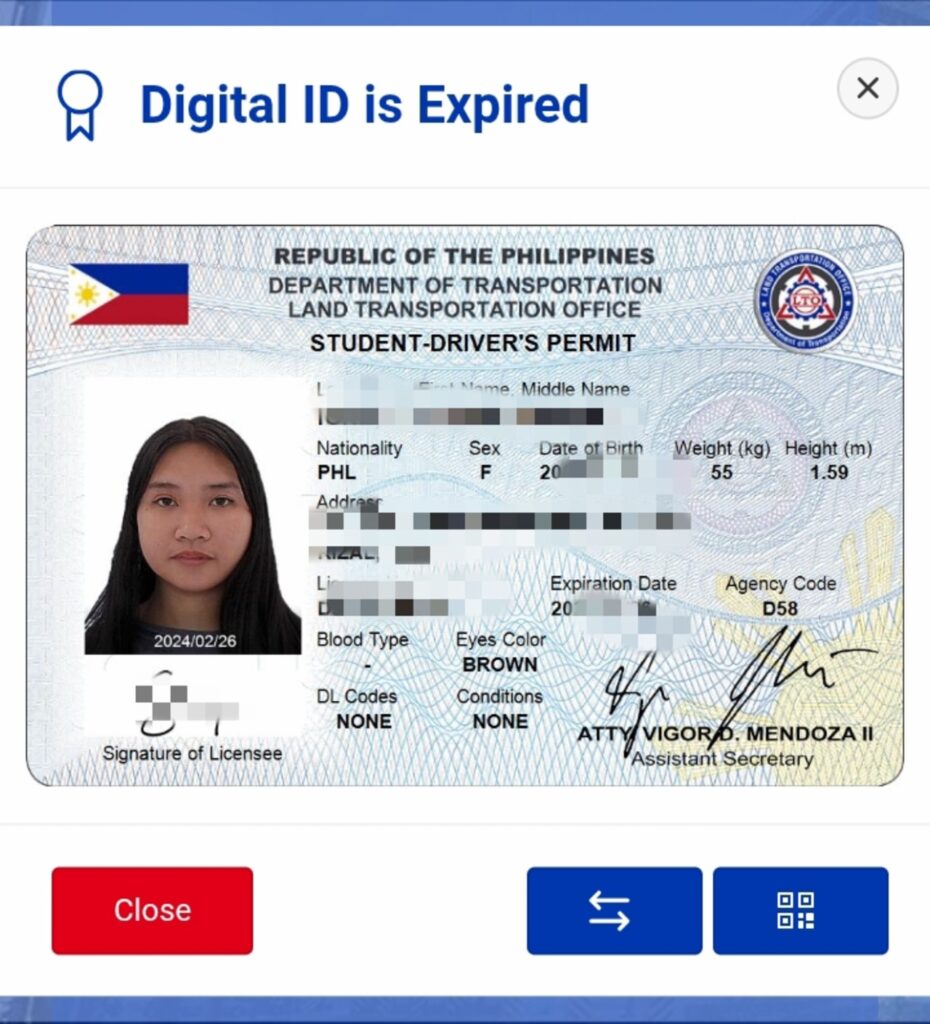
The Electronic Driver’s License (eDL) is the digital version of your LTO-issued driver’s license, accessible through your LTMS (Land Transportation Management System) portal account. It contains the same information as your physical card — your name, photo, license number, and restrictions — but stored securely in digital format.

You can view, store, and present it using your smartphone, tablet, or another authorized electronic device.

Is it Legal to Store Your License on your Smartphone?

Yes. The eDL is a legally recognized form of identification and authorization to drive under LTO’s new policy framework. It holds the same privileges and responsibilities as a physical license. This means:

  • You can present your eDL to law enforcement officers during apprehension.
  • It is accepted as valid proof of authority to operate a motor vehicle.
  • Traffic rules, fines, and penalties that apply to physical licenses also apply to eDLs.

However, there are strict rules on how you present your eDL — and this is where most drivers make mistakes.

What’s Not Allowed

You cannot just take a screenshot or photo of your eDL and show it to an officer. Screenshots and photos are not recognized by the LTO as valid proof of license.

To be accepted:

  • The eDL must be accessed live from your LTMS Portal (https://portal.lto.gov.ph).
  • It must display the QR code, photo, and biometric verification in real time.
  • The officer can verify it by scanning the QR or barcode using their handheld device.

If you fail or refuse to show your eDL through the LTMS portal, it is treated as a violation for “failure to carry a driver’s license.”

Security and Verification Features

The LTO uses multiple digital safeguards to protect and verify the authenticity of each eDL, including:

  • QR code scanning
  • Digital signatures
  • Biometric data (photo and fingerprints)
  • Encryption and verification systems

These features prevent falsification and make it easy for officers to confirm that your eDL is genuine.

How to Get an eDL

If you already have an active driver’s license, you can access your eDL through your LTMS Portal account. The LTO is gradually rolling out this feature nationwide, and all qualified drivers will soon have access.

To view your eDL, simply follow these steps:

Step 1. Go to the official LTO LTMS Portal: https://portal.lto.gov.ph

Step 2. Log in using your account credentials.

Step 3. Navigate to your Driver’s License section.

Step 4. View your Electronic Driver’s License (eDL) — it should display your license details and QR code.

If you’re applying for a new or renewed license, you’ll automatically become eligible to access your eDL once it’s processed and activated by LTO.

How to Present your eDL During Inspection or Apprehension

If you’re stopped by an LTO officer or a deputized agent:

Step 1. Open your LTMS Portal on your smartphone or tablet.

Step 2. Go to your Driver’s License section to show your live eDL.

Step 3. The officer will scan your QR code or barcode using their verification device.

Step 4. Your eDL will be validated instantly.

If you’re offline or can’t access your LTMS account, you must present your physical license instead.

What Happens if You Don’t Show Your eDL Properly

According to LTO rules:

  • Failure or refusal to show your eDL from the LTMS portal translates to “Failure to carry driver’s license” violation
  • Officers must record in the Temporary Operator’s Permit (TOP) whether you presented an eDL or physical license.

So, even if your eDL exists in your account, you must access it properly to avoid penalties. Remember: Screenshots don’t count, so proper access is key to staying on the right side of the law.

error: Content is protected !!